
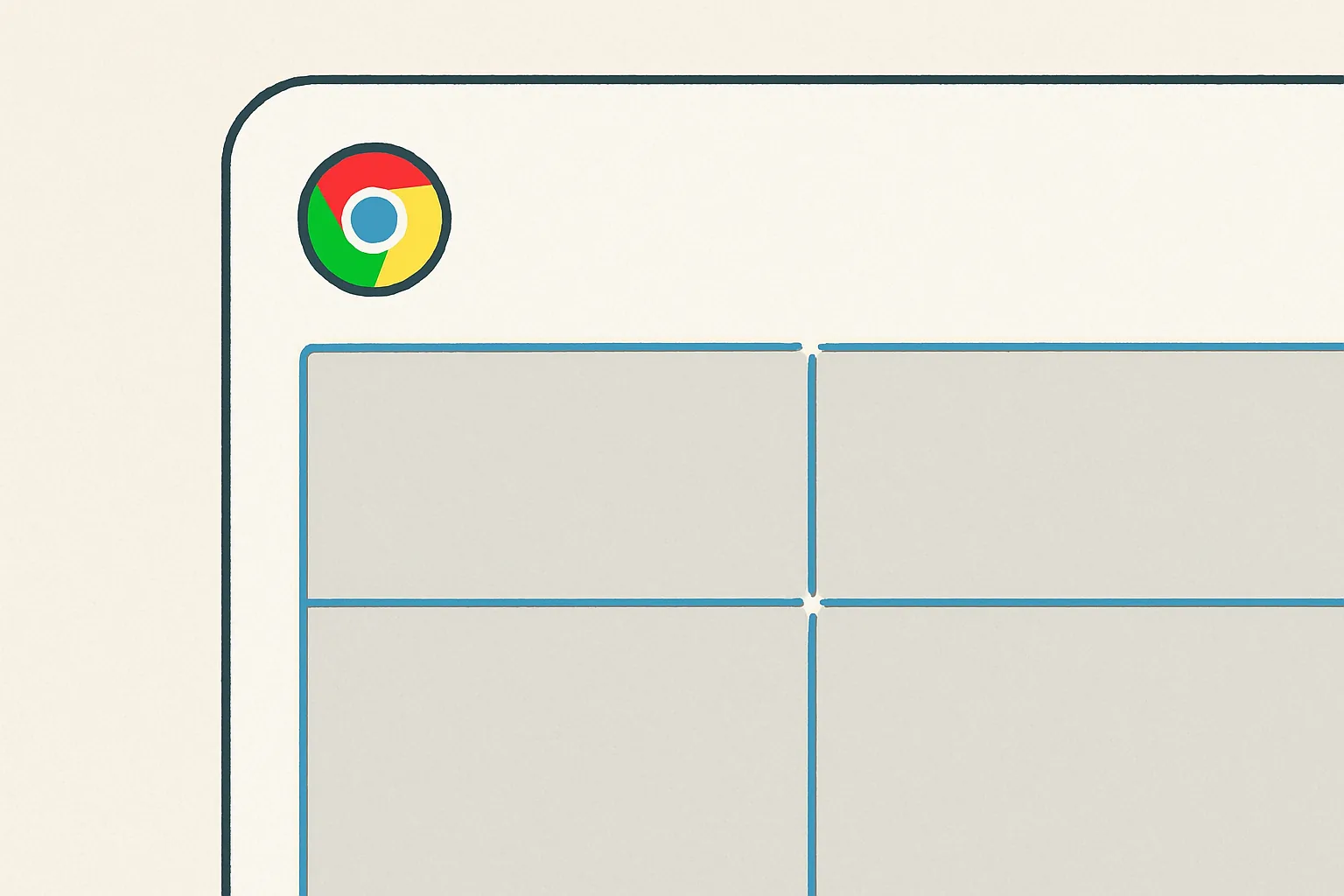
Google released Chrome 149 to the stable channel on June 2, 2026, bringing CSS gap decorations to Chrome across Android, ChromeOS, Linux, macOS, and Windows. The feature gives developers a native way to style the space between items in grid and flexbox layouts, a job that has long depended on borders, pseudo-elements, extra markup, or background tricks.
The change is small in wording but meaningful in practice. Layout gaps are already a core part of modern CSS. Until now, however, the gap itself was mostly empty space. If a designer wanted a line between cards in a dashboard, a divider between flexible panels, or alternating separators in a calendar grid, developers often had to attach styling to the items around the gap rather than to the gap itself.
Chrome 149 changes that by extending rule-style decoration ideas into container layouts. CSS gap decorations introduce properties such as column-rule-inset, row-rule-inset, column-rule-visibility-items, and row-rule-visibility-items. Rule width, color, and insets can also be animated.
Google’s release notes describe the feature as similar to column-rule in multi-column layout. The accompanying Chrome Developers post says gap decorations are available in Chrome and Edge starting with version 149, and were built through collaboration between the Microsoft Edge and Google Chrome teams.
Why styling gaps has been awkward
The old problem was not that developers could not create dividers. They could. The issue was how much layout knowledge those dividers required.
A border on each item can look like a separator, but it belongs to the item, not the gap. That means developers must account for first and last items, wrapping behavior, responsive breakpoints, and cases where a grid cell is empty. Pseudo-elements can work, but they often rely on carefully positioned generated content. Background hacks can be visually clever and hard to maintain.
The Chrome Developers post points to several costs: workarounds can depend on markup structure, add unnecessary DOM nodes, interfere with accessibility, create extra layout work, and become brittle when responsive layouts change. That is the practical value of this release. It gives authors a styling surface that matches what they are trying to style.
What developers get in Chrome 149
Gap decorations let grid and flexbox containers accept column-rule, while a new row-rule handles horizontal gaps. The decorations are visual and do not change the underlying layout. Existing behavior for column-rule in multi-column layouts remains unchanged.
The new controls go beyond drawing a simple line. Developers can vary width, style, and color across gaps, use repeat-style syntax for repeated patterns, decide how rules behave at intersections, and control whether rules appear in every gap or only between adjacent items.
That last point matters for real interfaces. A grid may contain empty areas because of responsive placement, spanning items, or filtered data. A rule that appears only between adjacent items can avoid drawing separators in places where there is no meaningful relationship between content blocks.
Consider an operations dashboard with cards for revenue, active users, incidents, and support volume. Before Chrome 149, a team might add right borders to every card and then remove borders on the last column with media-query-specific selectors. Once the layout wraps on tablet or a card is hidden for a user role, those assumptions can break. With gap decorations, the separator can belong to the grid gap itself, while visibility rules decide whether the divider should appear between neighboring cards.
Why this matters beyond cleaner CSS
The immediate benefit is maintainability. Fewer helper elements and fewer selector exceptions usually mean less risk when a product team changes a layout later. This is especially useful in admin panels, data-heavy SaaS screens, commerce grids, calendars, and editorial layouts where separators are part of scanning and hierarchy, not decoration alone.
There is also an accessibility angle. If a visual separator requires extra DOM elements, those elements may need to be hidden from assistive technology or carefully managed. A native visual decoration avoids turning a purely visual line into structural content.
For design systems, the feature could reduce the gap between component APIs and CSS reality. A system can expose “show dividers between items” as a styling option without forcing every component to implement its own border logic. That will not remove all edge cases, but it makes the default approach less dependent on markup tricks.
- For front-end teams: review components that use pseudo-elements or border exceptions to simulate grid and flex dividers.
- For design systems: treat gap decorations as a progressive enhancement where separators are helpful but not essential.
- For QA teams: test responsive wrapping, empty grid slots, hover transitions, and browser fallback behavior.
The rest of Chrome 149 is not just CSS polish
Chrome 149 includes several other platform changes worth noting. Text with text-overflow: ellipsis now temporarily switches from ellipsis to clipping when a user interacts with it, such as by editing or using caret navigation. The goal is simple: hidden overflow text becomes easier to inspect and interact with during user action.
Chrome also removes an erroneous default border-color: gray rule from the browser stylesheet for table elements. The release notes say the HTML specification does not include that rule, and that Firefox and WebKit do not have it either. The change should improve interoperability by letting table borders default to currentColor.
For shape-aware layouts, Chrome 149 adds support for path() and shape() in shape-outside, as well as rect() and xywh(). The latter aligns Chrome with Firefox and Safari, according to the release notes.
There are also platform and performance-adjacent changes. Active WebSocket connections no longer prevent a page from entering the Back/Forward Cache. Instead, Chrome closes those connections on bfcache entry, allowing pages with active WebSockets to be stored and restored. For sites where users move back and forth between pages, that can make navigation feel faster when implemented correctly.
Chrome 149 also adds Intl.Locale.prototype.variants, improves Payment Request error handling so payment handlers can distinguish cancellation from internal app errors, respects autocorrect="off" for the Windows touch keyboard in relevant editable fields, and changes clipboard reads so data retrieval from the operating system is deferred until a web app calls getType().
What to watch next
The main adoption question for gap decorations is browser coverage. The feature works in Chrome and Edge starting with version 149. Google’s gap decorations post says unsupported browsers will simply render normal gaps without visible decorations when the use is purely decorative, and that a polyfill is in development.
That makes the feature a good candidate for progressive enhancement, but not yet a reason to remove every existing divider pattern from production CSS. Teams that need identical dividers across all browsers will still need fallbacks. Teams that can accept cleaner separators in Chromium-based browsers while preserving readable spacing elsewhere can start experimenting sooner.
The bigger shift is conceptual: CSS is continuing to absorb patterns that front-end teams have treated as component workarounds. Gap decorations do not reinvent layout. They make an existing layout feature more complete.
Source: <a href='https://developer.chrome.com/release-notes/149?hl=en'>Chrome 149 release notes and <a href='https://developer.chrome.com/blog/gap-decorations-stable'>Chrome Developers gap decorations post.